For families, flatmates & friends

What should we cook today? Just vote.

Pickeroni is the recipe app for everyone who cooks together. Collect recipes, share them via link, vote – and the shopping list writes itself.

  • iPhone & Android
  • €4.99 once, no subscription
  • Join & vote without buying
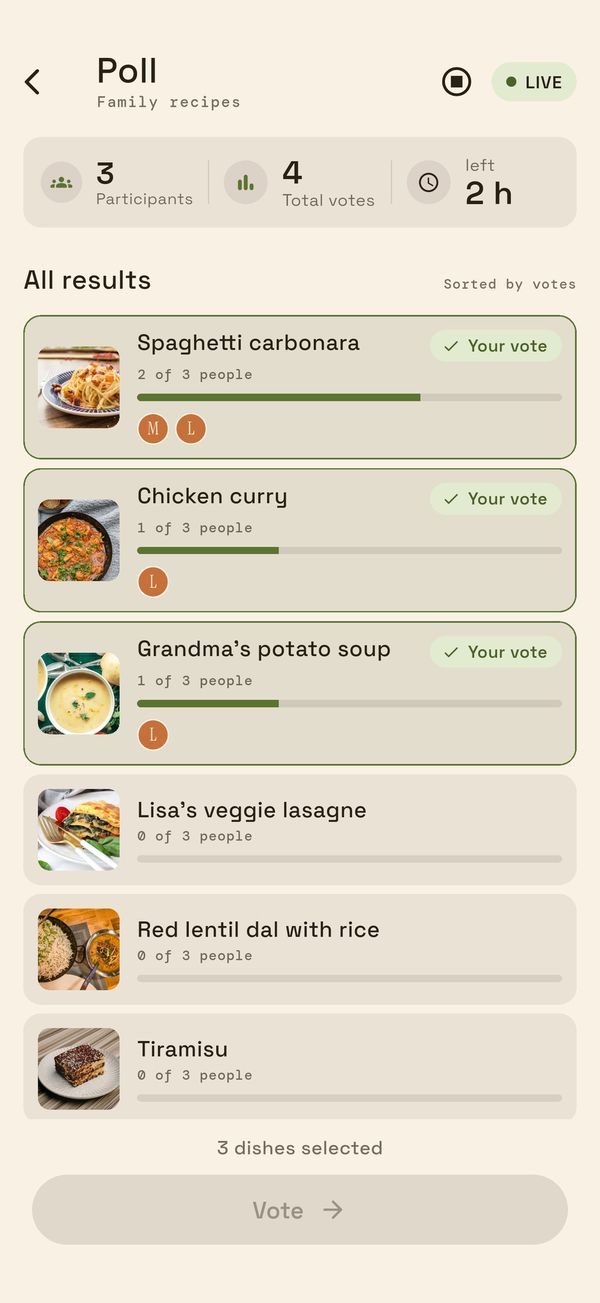
Running poll: recipes sorted by votes, your own votes highlighted
App screenshot with sample data

The problem

The question asked every single evening.

“What are we cooking?” is rarely settled in one message – and in the end whoever is most annoyed decides.

Family4 members

MiaWhat are we eating today? 🤔

No idea, don't care

JonasSaw this recipe on Insta… [screenshot]

MiaAnyone still got feta??

I'm going shopping – what do we need? 😩

Until now chat & scraps of paper

  • Ideas as screenshots in the chat
  • Recipes scattered across notes
  • Shopping list on a scrap of paper
  • Endless discussion

With Pickeroni one app

  • Recipes in one place
  • Vote together
  • Shopping list created automatically
  • Decision made

Pickeroni brings recipes, decision and shopping together in one place.

What you get

Everything between “I'm hungry” and “dinner's ready”.

Your recipes in one place

With photo, ingredients, servings and preparation steps – searchable. While you cook, cook mode guides you through the steps with timers.

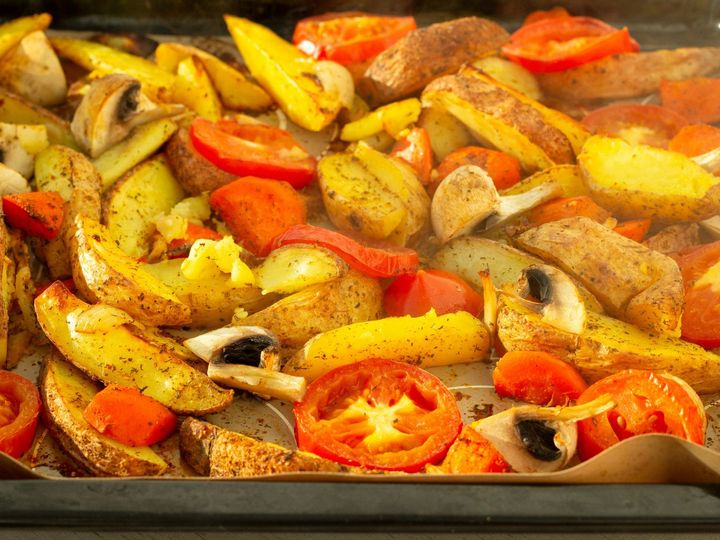
Roast vegetables with potatoes

4 servings
  • Waxy potatoes800 g
  • Carrots2 pcs
  • Courgettes1 pcs
  • Olive oil5 tbsp
All features →

Decide instead of debating

Every recipe in the list is up for election, everyone picks one or more dishes. As soon as everyone has voted, the result is in – no chasing people in the chat.

Barbecue night Saturday

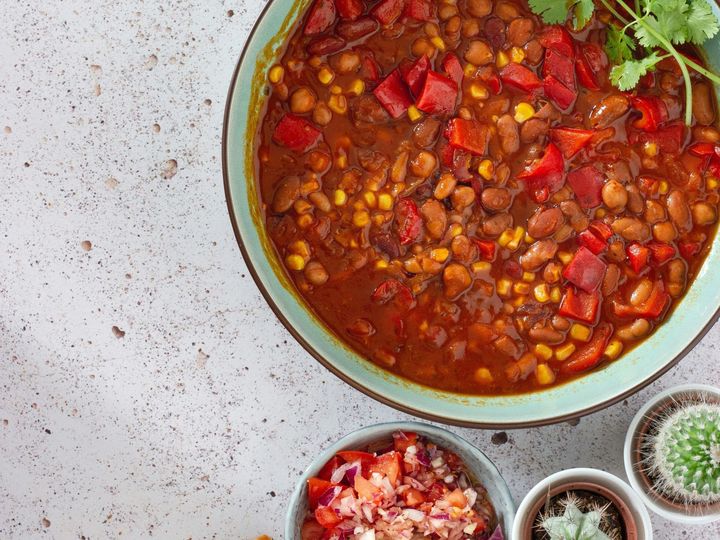
  1. Chili sin carne 4 votes Your vote
  2. Roast vegetables with potatoes 3 votes Your vote
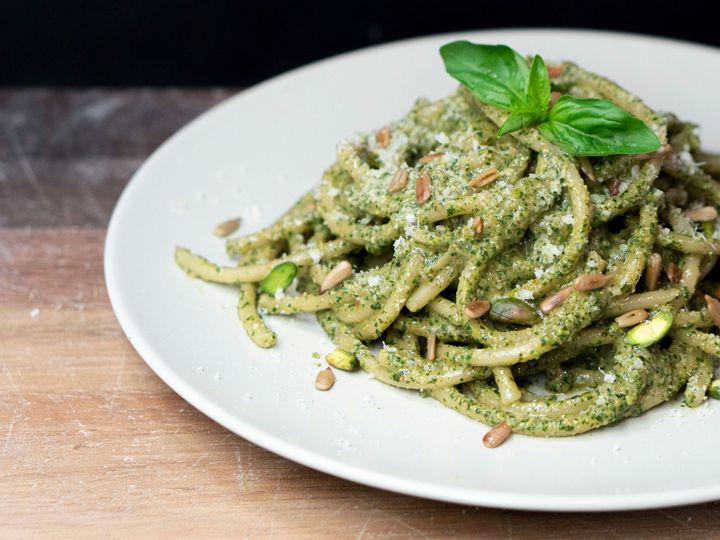
  3. Pasta with pesto 1 vote Your vote

Tap your favourite. Example view (recreated)

How voting works →

Shopping list in one step

Your recipes or meal plan become the shopping list: quantities scaled to your servings, identical ingredients combined. When someone ticks an item off, everyone sees it.

  • Kidney beans3 cans
  • Feta400 g
  • Peppers3 pcs
Meal plan & shopping list →

How it works

Ready to go in four steps.

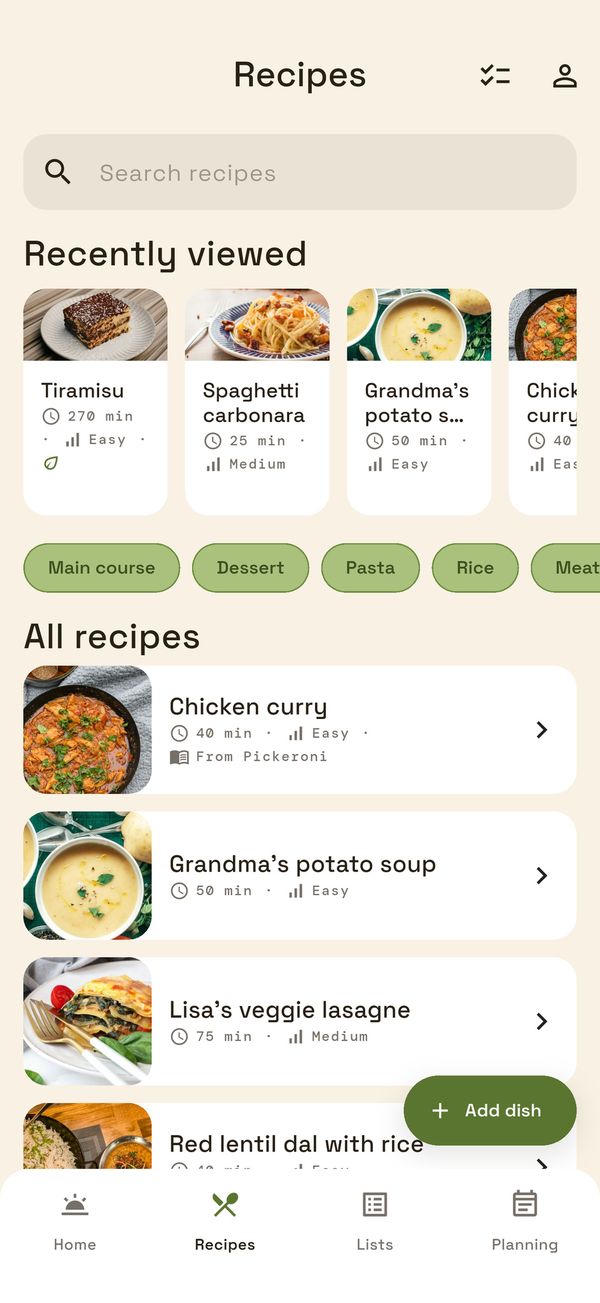
  1. Add recipes

    The assistant guides you through 5 steps: photo, category, ingredients with quantity and unit, preparation steps.

    Recipes tab with recently viewed recipes, categories and all recipes
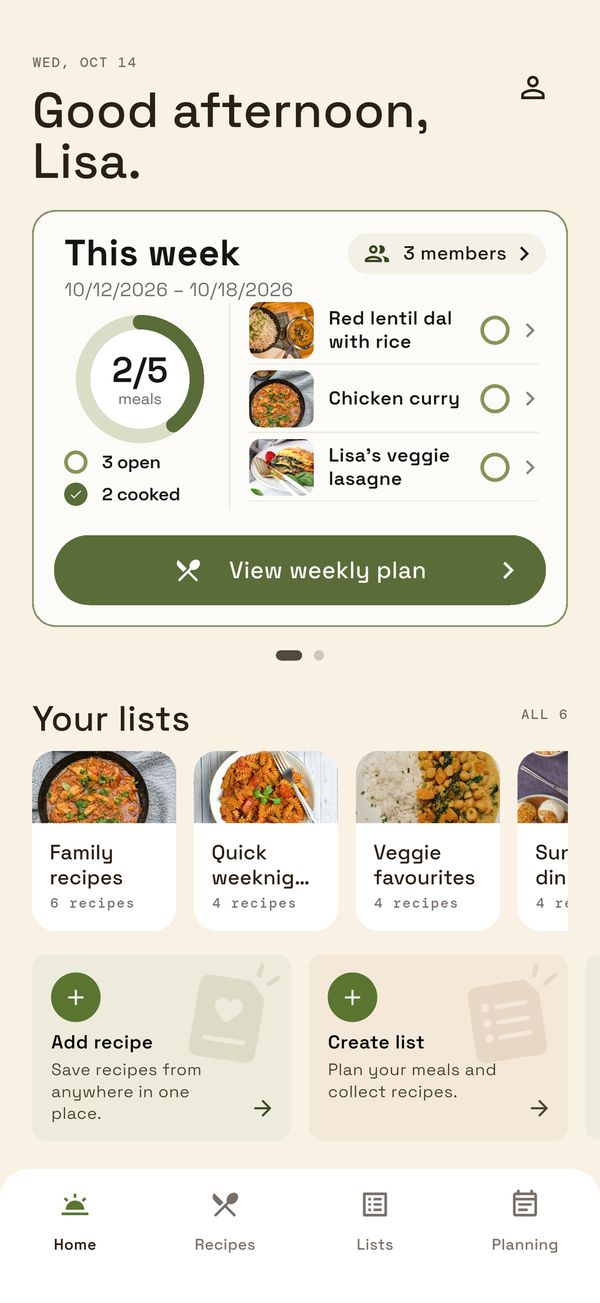
  2. Share a list

    Put recipes in a list, create an invite link and send it to your family, flatmates or friends.

    Pickeroni home screen with the “This week” meal plan and your own lists
  3. Vote

    Set an end, optionally give it a title like “Barbecue night”, start the poll. Everyone picks their favourites.

    Running poll: recipes sorted by votes, your own votes highlighted
  4. Plan & shop

    Create a meal plan with recipes and servings – and generate the shopping list from it.

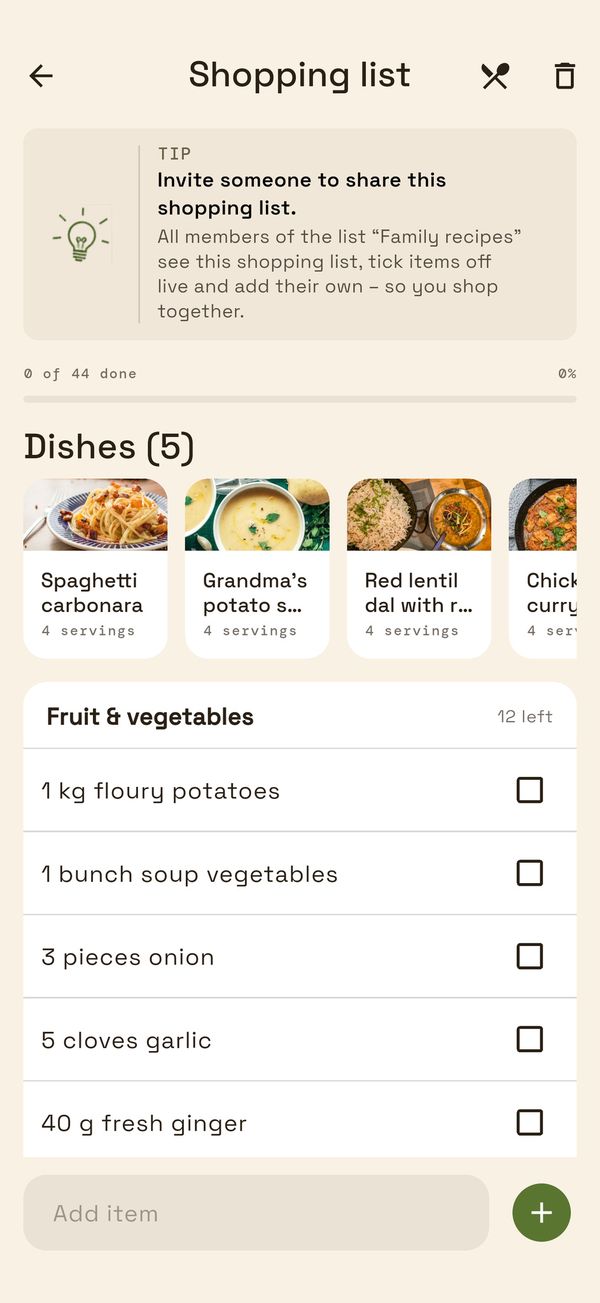
    Shopping list from the meal plan, sorted by category

App screenshot with sample data

Who is Pickeroni for?

Families & couples

Make a meal plan, share the shopping list and cut short the daily “What's for dinner?” question.

  • Meal plan with servings for everyone
  • One shopping list for everyone

Flatshares

Decide shared cooking nights fairly – without the same person always planning.

  • Everyone votes on equal terms
  • Join and vote without buying

Groups of friends

Barbecue night, birthday menu, holiday: vote on what goes on the table and share the shopping list.

  • Poll with an end time and title
  • Share the shopping list with everyone

Fairly priced

Buy once. No subscription.

Start for free

€0

without buying

  • up to 10 recipes of your own
  • 1 list of your own
  • 5 meal plans
  • Joining and voting in shared lists: unlimited*

One-time purchase

€4.99

pay once, no subscription

  • Lifts the limits on your own recipes, lists and meal plans*
  • Your own items on the shopping list
  • Applies to your account on every device
  • Private, not social. Only the members of your shared lists see your recipes.
  • Honest about the limits. You add recipes yourself: Pickeroni has no recipe database and doesn't import web pages.

Quick answers

FAQ

Built by one person. Pickeroni is an independent project, not a corporation. You can delete your account in the app at any time; you revoke invite links with one tap.

We'll show reviews and experiences from users here as soon as there are real ones – no made-up quotes.

More about Pickeroni →

What does Pickeroni cost?

You can start for free: without buying, you can create up to 10 recipes of your own, 1 list of your own and 5 meal plans in total (deleted meal plans count too). A one-time in-app purchase of €4.99 lifts these limits* and unlocks your own items on the shopping list – there's no subscription. The unlock applies to your account on every device. If you like, you can voluntarily pay more with the “Support” tier for €9.99; it unlocks the same. Joining and voting in shared lists is always possible without limits*.

Do I have to pay anything if I'm invited?

No. Anyone who joins a list via invite link can view recipes, vote and take part without buying anything.

How do I invite my group?

Open your list, create an invite link and send it via messenger. Anyone who opens the link and has the app joins the list. You can renew or revoke the link at any time.

I got an invite link but don't have the app. What now?

Download Pickeroni from the App Store or Google Play and then open the link again. The app then guides you through signing in or signing up back to the invitation. The link stays valid as long as it hasn't been revoked or expired.

See all questions →

Let's go

Ready for the next vote?

Add your first recipe and send the invite link to your group.

Coming soon to the App Store and Google Play.